
Layered painting
Stack ideas without losing earlier strokes.
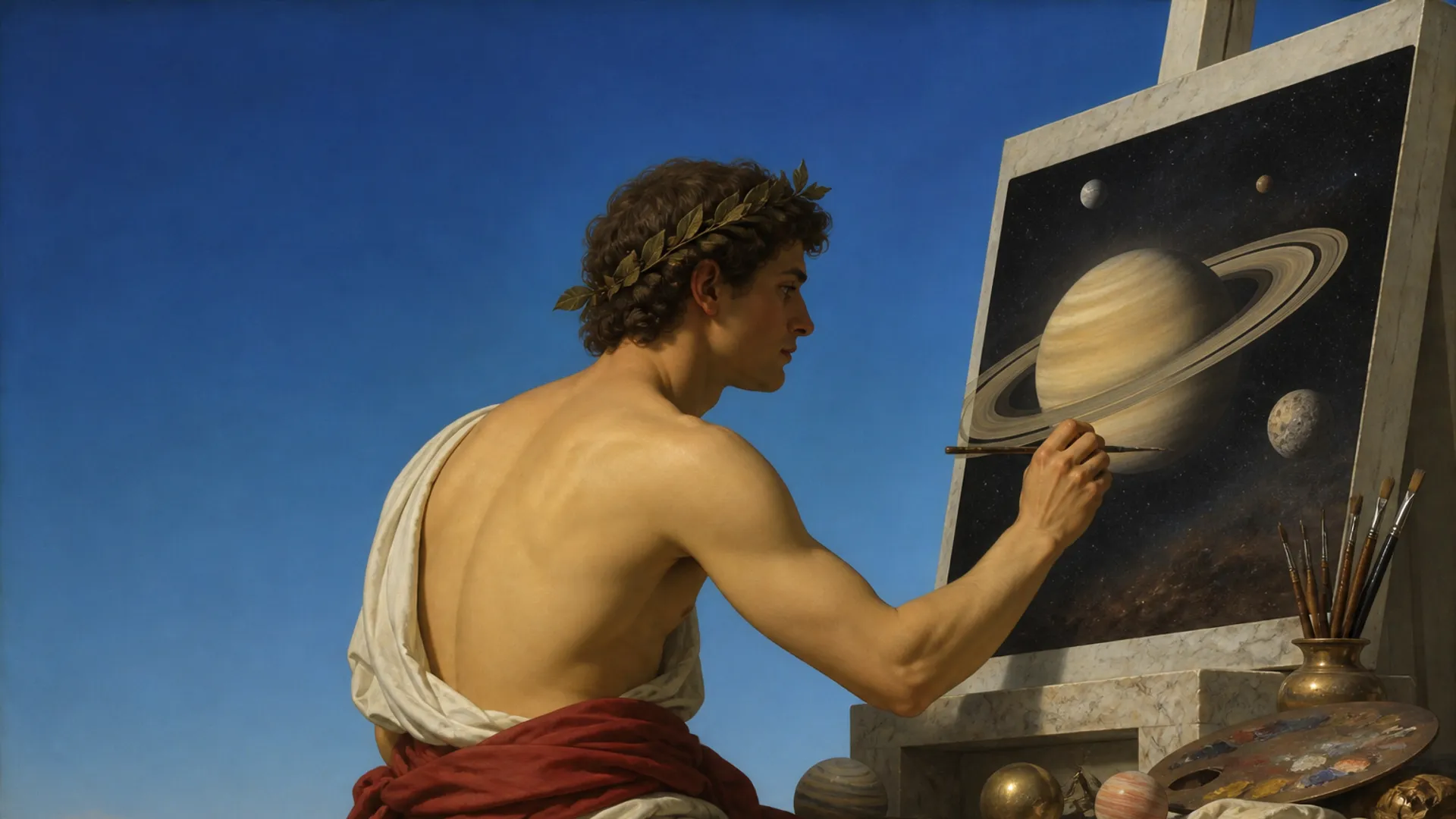
A studio for dreamlike color
Brushes and palettes tuned for saturated, mythic imagery. Layer, blend, and build worlds on a digital canvas.
Create a free account. No card needed. Creating and entering Forest require membership at $3.99 USD/month for new members. Cancel anytime. Existing lifetime access stays permanent.
A good digital canvas for cosmic art needs layered painting, brushes for light and glow, and reliable saves. Mercury 91 Digital Canvas offers Sketch, Ink, and Soft Glow presets, stylus and touch input in the browser, cloud saves, and PNG downloads you can reuse in your journal or posts.
Stack ideas without losing earlier strokes.
Start with Sketch, Ink, or Soft Glow, then tune the brush to your work.
Use selections, gradients, text, and symmetry to build your image.
Save layered artwork to your collection or download PNG and JSON files.
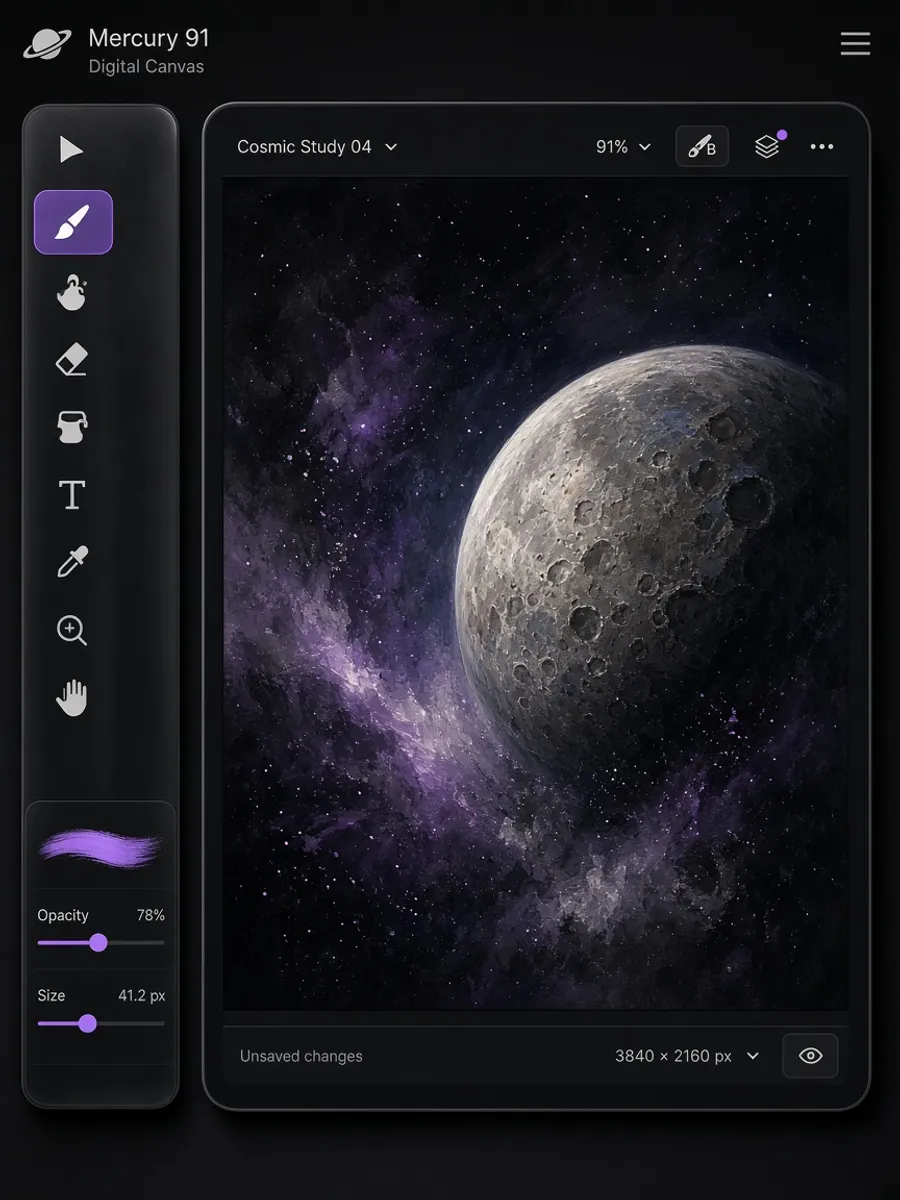
When a dream leaves an image in your head, Digital Canvas is where you land it.
A layered painting studio tuned for cosmic colour and light.
Open the canvas, paint in layers, and save work to your account. Brushes and palettes match the Mercury 91 visual language so a dream sketch does not look like it came from a generic editor.
Attach finished pieces to planetary journals or keep them private. Digital Canvas is the still-image room; Morph Dimension is the motion room. Both live in Cosmic Art Studio.
Illustrators, dream sketchers, and anyone who thinks with colour. Beginners can start with a single layer. The studio is included with membership, not a separate purchase.
Membership includes Digital Canvas with Morph Dimension and planetary journals.
This experience is part of Mercury 91's living universe. Walking in to look around costs nothing: you can orbit the planets, see who else is present, and read public stars and dreams without paying. Membership is what lets you create and keep things, at $3.99/month for new members, cancellable anytime.
If a membership ever lapses, nothing you made is taken from you. You keep reading, editing, and deleting your saved work. Creating new entries and entering Forest pause when paid access ends; both resume the moment you rejoin.
If you already bought Mercury 91, nothing changes. Your lifetime access stays yours at no further cost, forever. You will never be asked to subscribe, and nothing you can open today moves behind the monthly price.
New members $3.99/month. Cancel anytime. 14-day money-back. Existing lifetime members keep lifetime access.
This experience is part of Mercury 91's living universe. Looking around the Universe is free. Creating and entering Forest need membership. $3.99/month for new members. Cancel anytime. 14-day money-back. Already bought Mercury 91? Your lifetime access stays yours, at no further cost, forever.
Enter the universeCreate a free account. No card needed. Creating and entering Forest require membership at $3.99 USD/month for new members. Cancel anytime. Existing lifetime access stays permanent.