
Find visible objects
Name the Moon, Sun, naked-eye planets, and bright stars around your horizon.
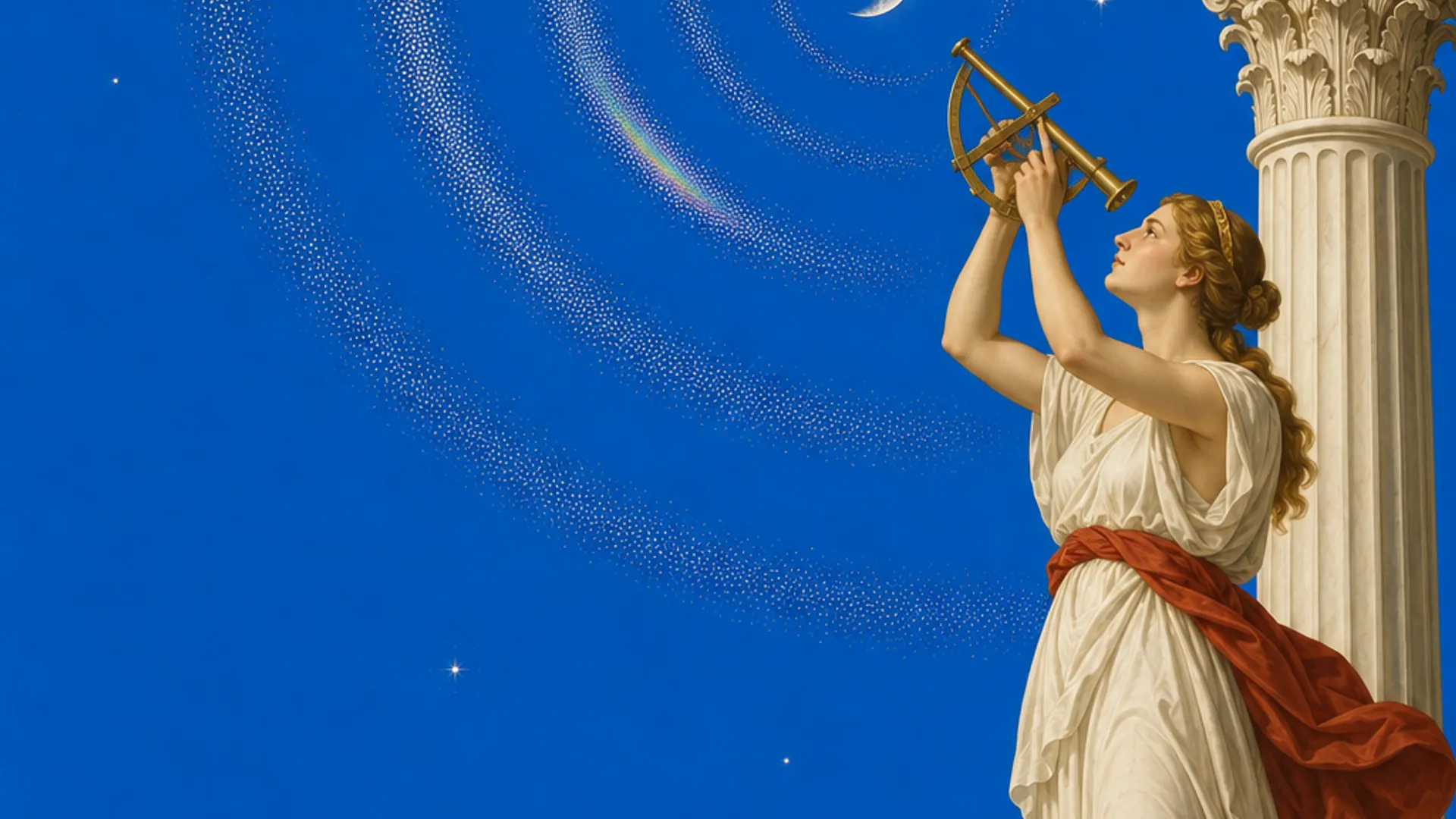
Moon, Sun, planets, and bright stars on your horizon
Open a live sky view for your time and place, point or drag toward the horizon, and fine-tune the heading against something you can see.
Create a free account. No card needed. Creating and entering Forest require membership at $3.99 USD/month for new members. Cancel anytime. Existing lifetime access stays permanent.
Use your location and current time to place the Moon, naked-eye planets, and bright stars on a horizon view. Mercury 91 lets you point with a best-effort browser compass or drag manually, then fine-tune the heading against a visible object so the labels match your actual sky more closely.
Name the Moon, Sun, naked-eye planets, and bright stars around your horizon.
Use a supported phone compass or move the sky manually on any modern browser.
Align against an object you can already see when the browser compass drifts.
Clear limits explain why nearby metal, cases, and indoor use can move the heading.

Mercury 91 pairs the practical finder with the same neoclassical sky language used across the living universe.
Start with astronomy, then correct the imperfect sensors in your hand.
Mercury 91 calculates the apparent positions of the Moon, Sun, naked-eye planets, and a curated set of bright stars for your time and location. The horizon view shows which direction to face and how high above the horizon each object sits.
On a supported phone, you can grant motion permission and use device orientation as the first heading. Browser compasses are noisy, so the product also lets you drag the sky and save a heading offset after aligning to a visible object.
That calibration step is the useful difference. The page does not pretend a web sensor is observatory equipment. It helps you move from a rough direction to a sky view that agrees more closely with what your own eyes can verify.
Use this tool when the question is immediate: what is that bright object, and which way should I turn? It is deliberately narrower than a deep planetarium. Constellation tourism, telescope control, and camera-based augmented reality are not part of the current browser release.
For cultural astronomy and cited stories, open the Southern Sky Library. For darkness conditions, use the Light Pollution Map. For aurora and scheduled events, use the forecast and events pages. Each room owns one clear job and links to the next one.
The public finder can be used in the browser; membership opens the creative rooms around it, including journals, dreams, and the living universe.
This experience is part of Mercury 91's living universe. Walking in to look around costs nothing: you can orbit the planets, see who else is present, and read public stars and dreams without paying. Membership is what lets you create and keep things, at $3.99/month for new members, cancellable anytime.
If a membership ever lapses, nothing you made is taken from you. You keep reading, editing, and deleting your saved work. Creating new entries and entering Forest pause when paid access ends; both resume the moment you rejoin.
If you already bought Mercury 91, nothing changes. Your lifetime access stays yours at no further cost, forever. You will never be asked to subscribe, and nothing you can open today moves behind the monthly price.
New members $3.99/month. Cancel anytime. 14-day money-back. Existing lifetime members keep lifetime access.
Use the live browser horizon view
Cited Aboriginal and Torres Strait Islander sky knowledge
Find darker skies near you
Rise, set, and moon phase
Aurora conditions and viewing context
Move from the real horizon into Mercury 91
This experience is part of Mercury 91's living universe. Looking around the Universe is free. Creating and entering Forest need membership. $3.99/month for new members. Cancel anytime. 14-day money-back. Already bought Mercury 91? Your lifetime access stays yours, at no further cost, forever.
Enter the universeCreate a free account. No card needed. Creating and entering Forest require membership at $3.99 USD/month for new members. Cancel anytime. Existing lifetime access stays permanent.