Digital Canvas
Layered cosmic painting.
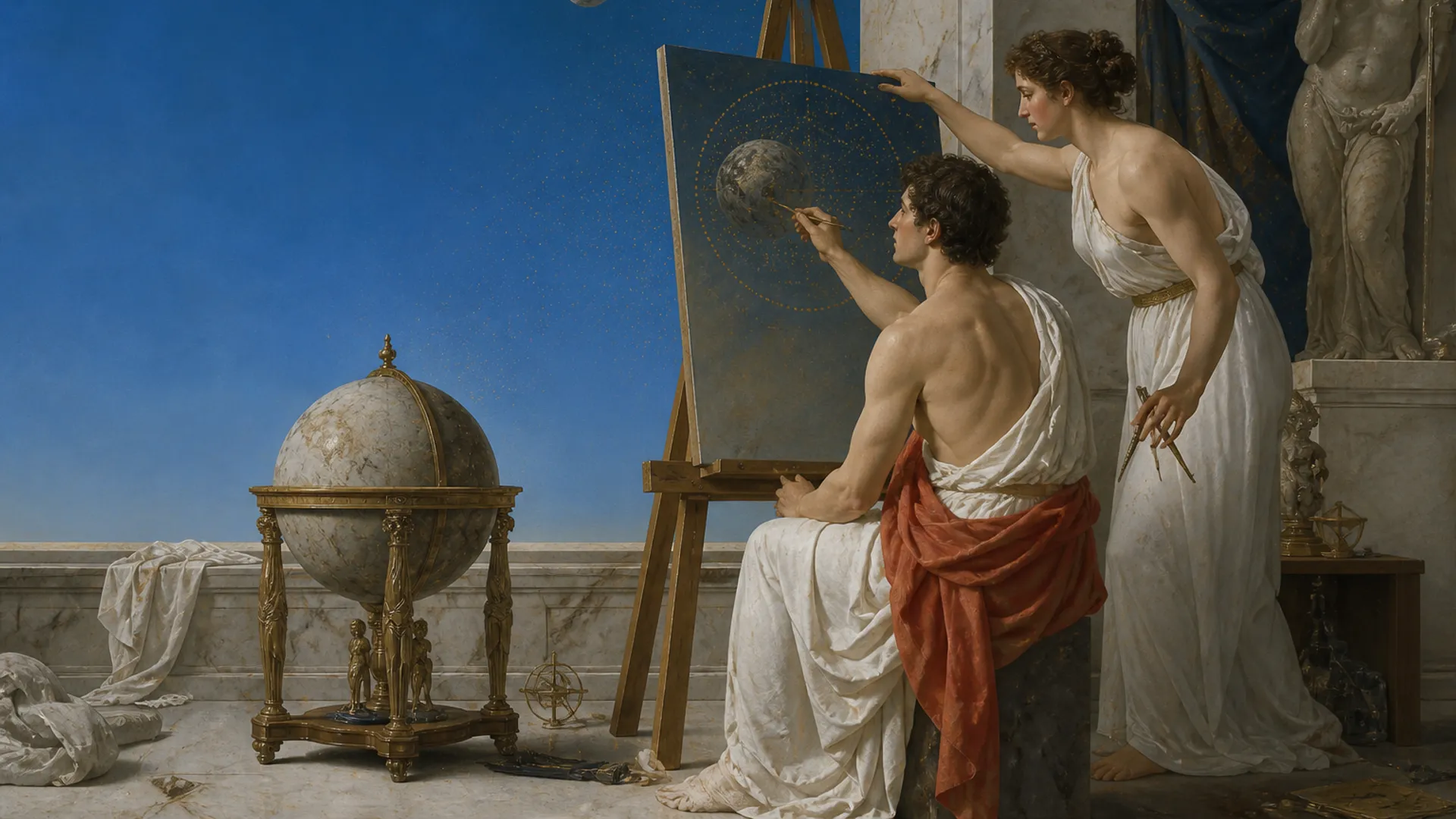
Canvas, morph, and cosmic editors
Digital Canvas and Morph Dimension together. Jump between painting and particle art without leaving Mercury 91.
Create a free account. No card needed. Creating and entering Forest require membership at $3.99 USD/month for new members. Cancel anytime. Existing lifetime access stays permanent.
A cosmic art studio combines still and motion tools in one place: a layered digital canvas for painting, a generative particle engine for moving art, and shared palettes. Mercury 91 Cosmic Art Studio bundles Digital Canvas and Morph Dimension with hooks into your journals and feed.
Layered cosmic painting.
Flowing generative particles.
Visual language that matches the universe.
Attach art to multimedia logs and dreams.
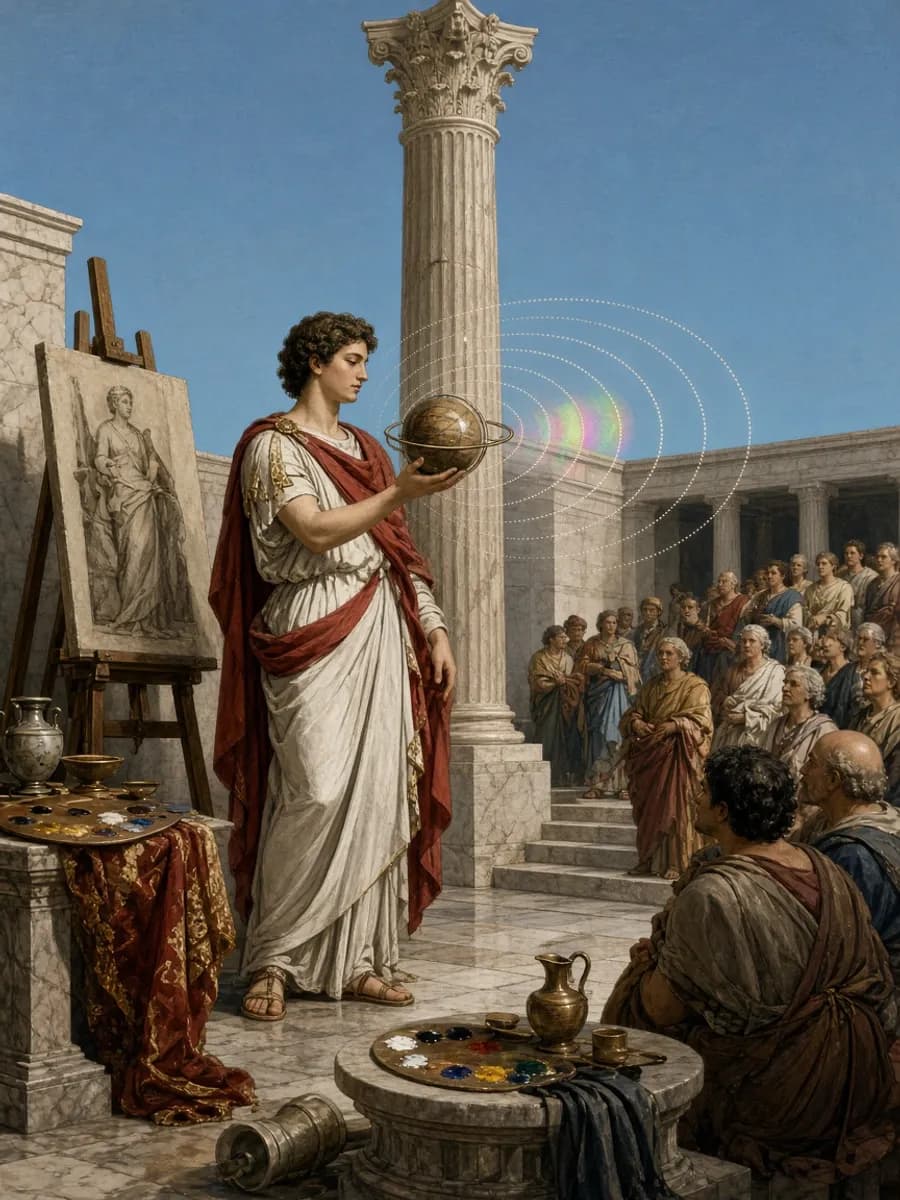
Creators asked for one door into every art mode. Cosmic Art Studio is that door.
Mercury 91 gathers creative tools in one orbit: canvas, morphing particle art, world building, and cosmic scenes.
The cosmic art studio is the hub for makers who want digital painting, generative particle experiments, and shareable 3D worlds without hopping between disconnected apps. Start on the canvas, explore Morph Dimension for particle transforms, or build spaces others can visit.
Art here is meant to sit beside meditation and journaling, not apart from them. Many people sketch a dream image after logging, or paint while ambient cosmic audio plays. The studio keeps those loops inside one account.
Public sharing remains a choice. Private drafts stay yours until you publish a world, post a star, or export work you want elsewhere.
Illustrators, VJ-minded tinkerers, meditators who think in images, and curious beginners all fit. You do not need a professional portfolio to start; the tools reward experimentation.
If you mainly want journaling, begin on the dream pages and visit the studio when an image wants out. If you mainly want making, start here and keep dream logging as an optional source of motifs.
Choose Digital Canvas for still images and layered painting, Morph Dimension for moving particle forms, Forest for a space to fly through, or World Creator to arrange a world of your own. Each tool offers a different way to turn an idea into something you can see.
This experience is part of Mercury 91's living universe. Looking around the Universe is free. Creating and entering Forest need membership. $3.99/month for new members. Cancel anytime. 14-day money-back. Already bought Mercury 91? Your lifetime access stays yours, at no further cost, forever.
Enter the universeCreate a free account. No card needed. Creating and entering Forest require membership at $3.99 USD/month for new members. Cancel anytime. Existing lifetime access stays permanent.