
Mercury arcade
NADIR: a browser cosmic horror maze
A station below the familiar sky is answering a signal in your own voice. NADIR is a first-person cosmic horror maze with 23 distinct sectors: find access shards, attune relays, and reach the red extraction door while something learns the corridors around you. The station advances when you move or wait, leaving you time to study a difficult route before taking the next step.
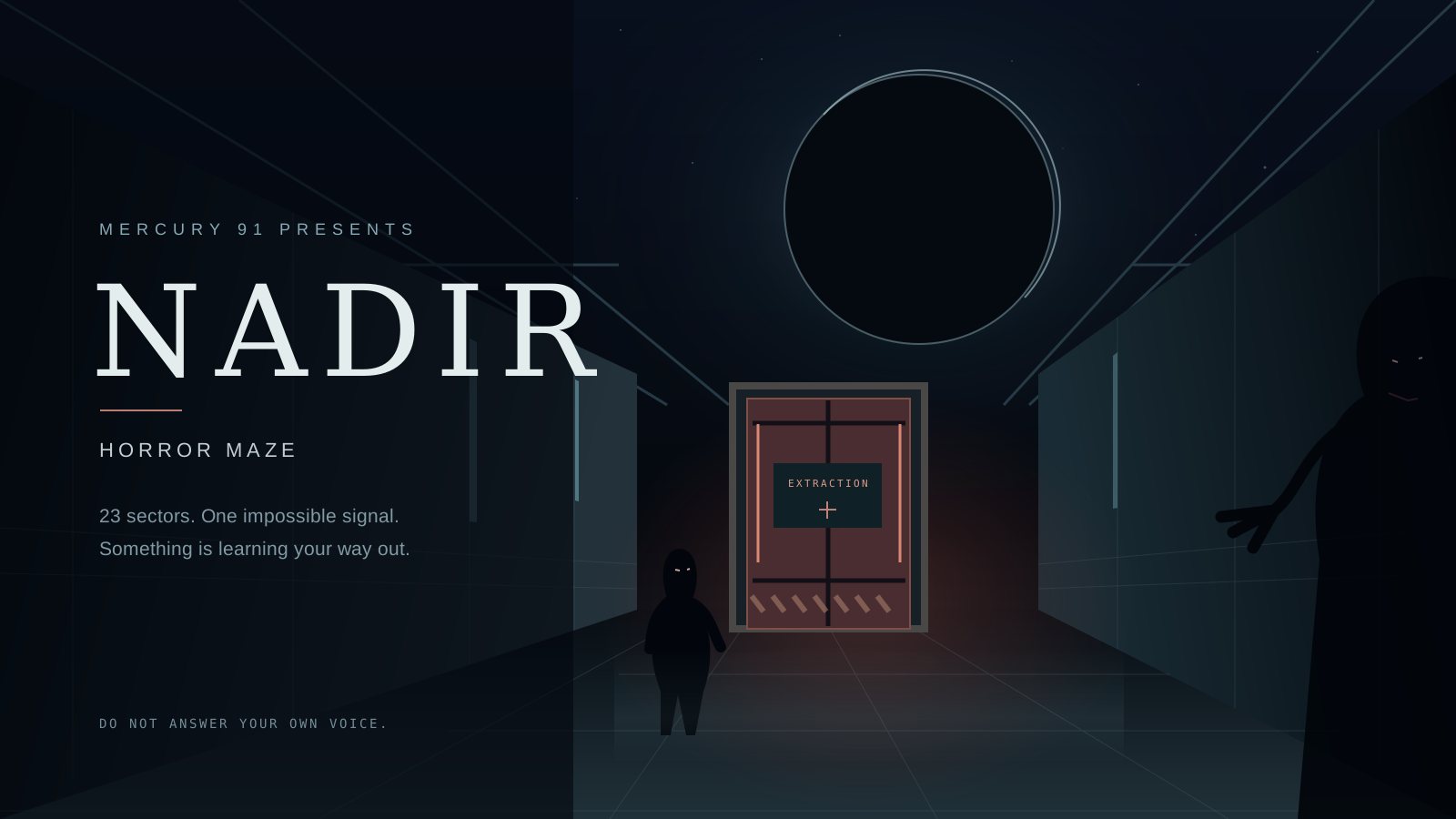
Play NADIR: Horror Maze in your browser
Explore 23 sectors of the cosmic horror maze
The descent begins with locked bulkheads and a missing access shard, then introduces relay order, phase barriers, pressure pulses, unstable floors, and patrolling presences. Later sectors combine those rules in different layouts. Read each arrival briefing and objective before entering; a clue is available if you need a nudge without a complete route.
The first-person view gives corridors a close, uncertain edge. Your survey records nearby spaces you have observed, rather than revealing the entire station. Use it to connect passages and remember doors. Crew logs carry fragments of the signal and the people who heard it first. A route that looks short can still require careful timing or a way back.
NADIR controls and station beats
On a keyboard, W or Up moves forward and S or Down moves backward. A or Left turns left; D or Right turns right. Q and E step sideways. Space waits one station beat, M opens the survey, R retries the current sector, and P or Escape pauses. Touch players use the labelled movement, turn, wait, and survey buttons by the scene.
A successful movement or wait advances the station by one beat. Looking around, studying the survey, pausing, or bumping into a sealed bulkhead does not advance a patrol. Pressure vents indicate whether the next beat is open. A presence can occupy your destination before or after its next step, so observe the rhythm and leave a safe gap instead of trying to pass through it.
How to open the red extraction door
The red door is the sector exit. Its objective states which access shards and relay order are needed. Walk onto a shard to collect it, then walk into a matching lettered lock to pass. Shards remain available for the sector; they are not spent on a door. A sealed exit explains what is still missing when you try it.
Relays attune when you step onto them. Follow the sequence shown in the objective; the wrong unlit relay resets that sequence, and you can revisit the relays to try again. Once all exit requirements are satisfied, walk into the red extraction door to finish the sector. You do not need a hidden interaction button. A retry rebuilds the current sector if a route through collapsing floors leaves you stranded.
Local checkpoints, sound, and replaying sectors
NADIR can be played without an account. Completing a sector unlocks the next one and records your best turn count in this browser when local storage is available. Returning to a sector starts that sector from its arrival point; an unfinished route is not a mid-sector save. Revisit unlocked sectors from the sector selection screen. Browser or device changes do not sync this campaign, and clearing site data removes it.
NADIR does not submit ranked scores or add points to your Mercury arcade total. Its sound begins muted; enable the soundscape with the game control if you want drones, footsteps, and proximity tension. The game also has reduced-motion and pause controls. All required objective and timing information remains visible, so sound is optional for solving a sector.
Browser game questions
Do I need a Mercury account to play NADIR?
No. NADIR is a local browser campaign with 23 sectors. When browser storage is available, it remembers completed sectors, unlocked sectors, and your best turn counts on that browser. It does not sync between devices, submit ranked scores, or add points to your Mercury arcade total.
Why will the red door not open in NADIR?
Check the current objective for required access shards and relay order. Collect shards by walking onto them and step onto relays in the shown sequence. Trying the sealed exit displays what is missing. Once its requirements are complete, walk into the red door; no separate interaction key is required.
Can I stop to think without a presence catching me?
Yes. NADIR advances on successful movement or a wait action, rather than elapsed time. Turning, studying the objective, and pausing leave the current beat unchanged. Use the survey and next-beat pressure indicator to plan. Patrol positions still matter when you move, so waiting is an action that can bring a presence closer.